Record clips in VLC from umwnewmedia on Vimeo.
Ingredients
1 – A Computer with a DVD-ROM drive running a Windows operating system.
1 – The VLC Program* (unfortunately this feature is only available in the Windows version of VLC).
1 – A DVD (most DVDs will work including commercial ones, but be aware of copyright issues).
Directions
- Insert into the computer the DVD that has the video segment you wish to use.
- If you have a default DVD player program installed on your computer, close that software. Open the VLC program.
- In VLC choose Media>Open Disc…
- For Disc Selection choose “DVD” (you may need to click the Browse button and select the disc).
- The disc should begin playing (you may need to choose “Play” or something similar from a disc menu). If you haven’t already, select View>Advanced Controls to make the Record button available.
- Navigate to the start of the segment you want to record. While the DVD is playing press the Record button. Press it again at the end point of the segment you want.
- Repeat the process if there is more than one segment that you would like.
- Recordings will be located in the My Documents (or Documents in Vista and Windows 7) folder and the file names will begin with “vlc-record…”
- These MPEG2 files are now available to convert/edit into the appropriate format.
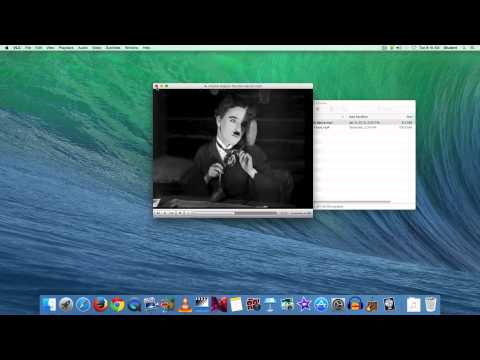
* – I have discovered that VLC for the Mac CAN record segments from a DVD. It is a “hidden” feature, but can be accessed by using the keyboard shortcut “Shift-Command-r”. Press the shortcut once to start a recording, press it again to stop the recording. Files are saved to the “Movies” folder.


Steven Villarreal
I’m using a Mac computer with VLC recording. The video records but there is no audio attached to it. What am I doing wrong or is there a setting i need to change to get both video and audio
-Steven